
How to use LexIA
For private beta testers: from your invitation to your first invoice in about 20 minutes.
Before you start
- An Android phone (Android 7 or newer). An iPhone version is planned.
- Your invitation email from admin@lexia.co.za, with a link and an invitation code. Check your spam folder. The beta is by invitation only, so there is no sign-up button.
- Keep your screen lock on. LexIA protects your client details with keys stored on the phone.
A private beta means LexIA is finished enough for real work but still being improved. Keep your own copy of your records while the beta runs (see Backups), and do not treat LexIA as the only place your practice records are kept.
Install and sign in
- Join the test. Open the Google Play testing link LexIA sends you, on your phone, in Chrome, signed in with the Google account LexIA added as a tester. Tap Become a tester. Check that the Play Store on the phone uses the same account.
- Install. Tap Download it on Google Play and install LexIA (the navy icon with a gold frame).
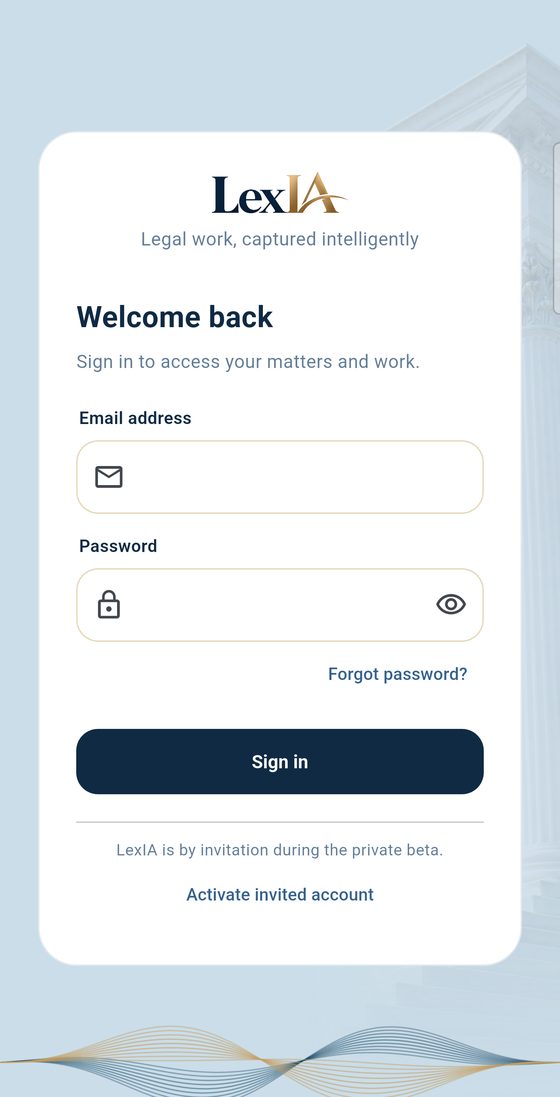
- Activate. Open LexIA, tap Activate invited account, and enter the invited email address and the Invitation code.
- Choose a password of at least 8 characters. From then on you sign in with your email and that password.
If the link misbehaves: a blank page usually means the browser is not signed in to Google, so use Chrome rather than Samsung Internet. “Item not found” straight after you join usually clears within an hour. Forgot your password? Tap Forgot password? and open the reset email on the same phone.
First-time setup
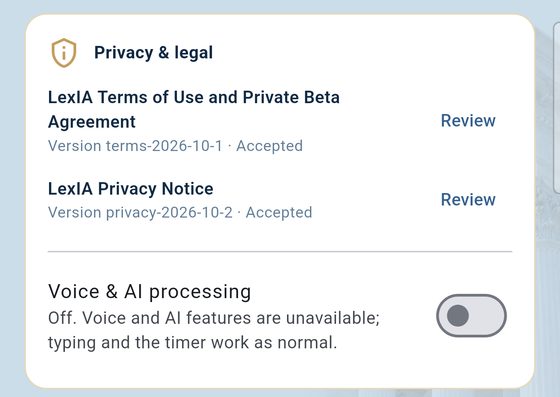
- Accept the Terms of Use and Privacy Notice. You can review them later in More → Privacy & legal.
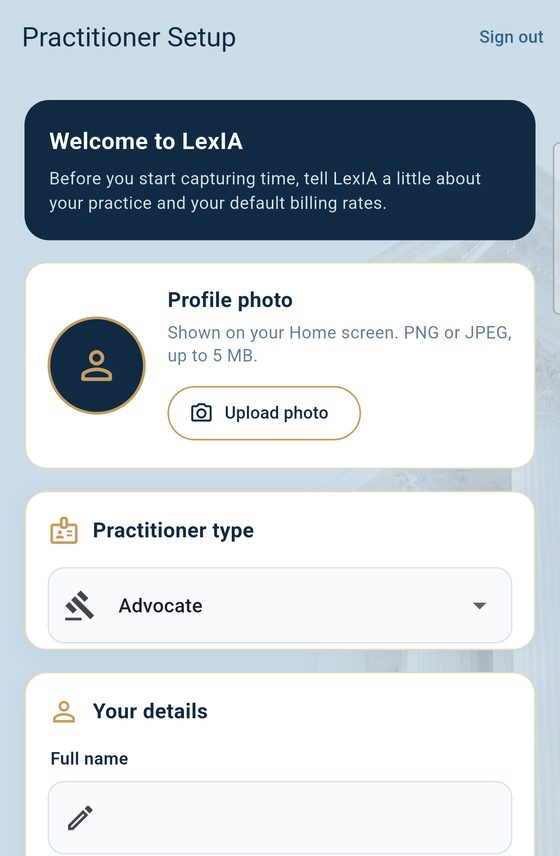
- Practitioner Setup. Choose your practitioner type and enter your details and default hourly and full-day rates. LexIA pre-fills these on every attendance; you can still change them per entry.
On day one, from More (bottom right):
- Secure Data Recovery: set a recovery passphrase and keep it safe. If you lose or replace your phone, it is the only way to unlock your encrypted client names again.
- Invoice Settings: add your banking details, VAT registration (if any), invoice numbering and an invoice design.
Home
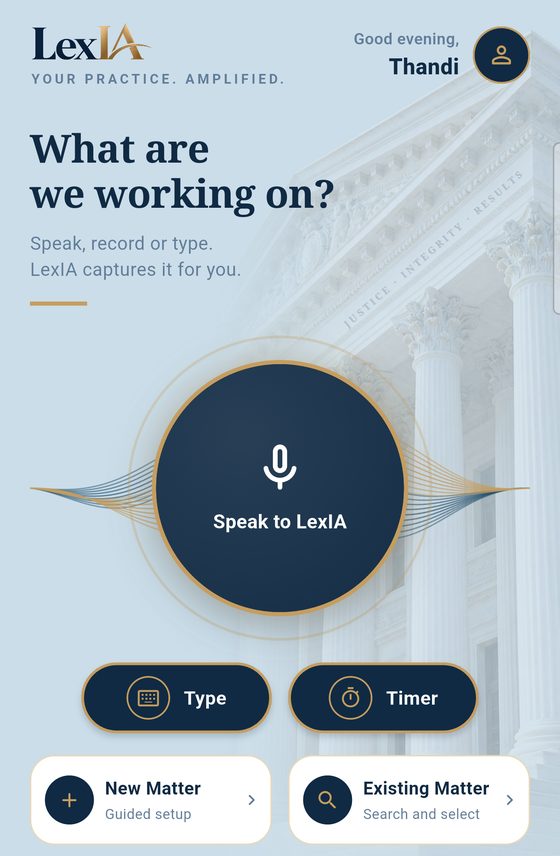
The large Speak to LexIA button records an attendance in your own words. Type and Timer sit beneath it, with New Matter and Existing Matter below.
Further down, Today’s Practice shows the time and fees captured today and what is still outstanding, and Recent Activity lists your latest attendances.
Capture work
Create a matter with New Matter on Home: client, matter title, file reference and billing method. Existing Matter or the Matters tab finds one you already have. Then record an attendance in whichever way suits the moment:
| Way | Good for |
|---|---|
| Speak to LexIA | Describing the work in your own words; LexIA proposes the matter, date, duration, description and billing for you to check |
| Type | Typing it yourself, with no AI involved |
| Timer | Timing work as you do it; pause, resume, then complete it |
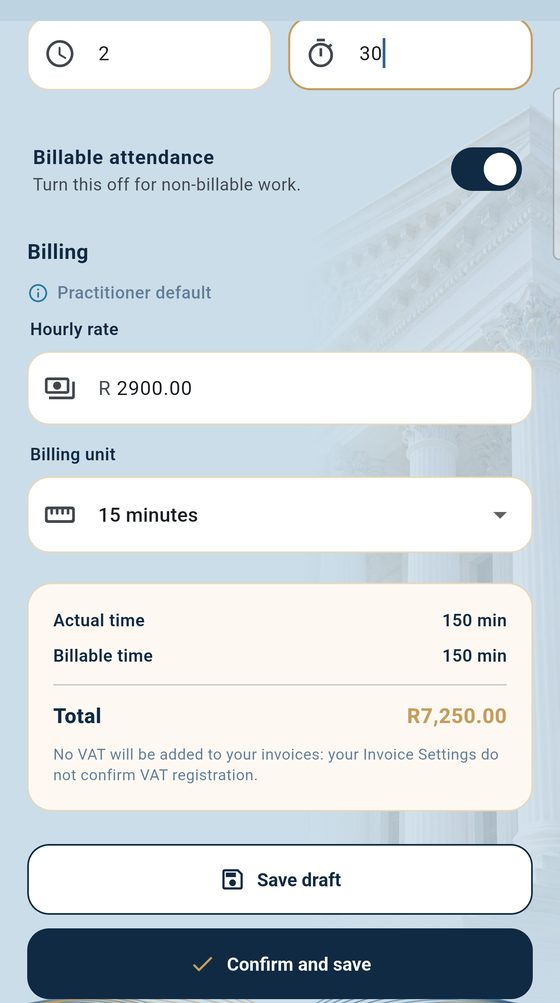
LexIA works out the fee as you go. Save draft keeps an attendance editable; Confirm and save locks it for billing, so check the time and fee first.
The first time you use voice or AI, LexIA asks for your Voice & AI consent, because your recording and attendance text are sent to an external AI service. It is optional: Type and Timer work without it.
Invoices
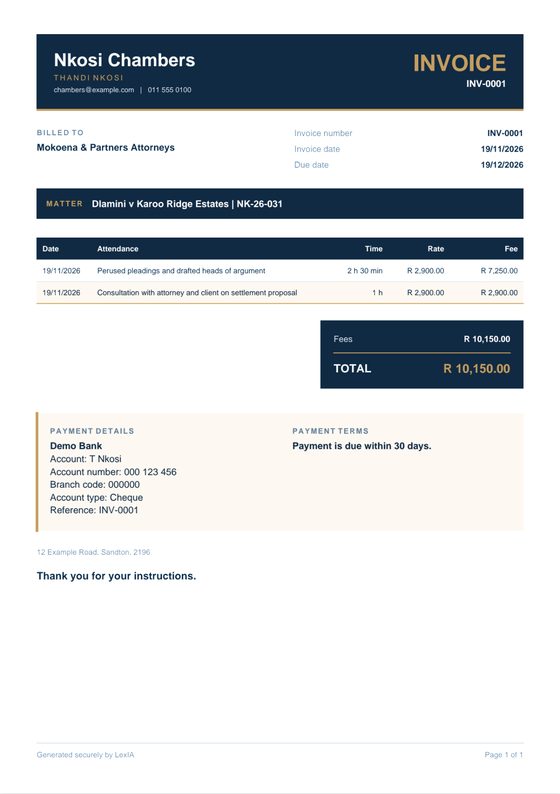
Open a matter and tap Prepare invoice. Pick the confirmed attendances to bill and save the draft. Then preview the PDF and issue it, and share or print it from the preview.
The Invoices tab lists every invoice, with filters for draft, issued, paid and cancelled. An issued invoice can no longer be deleted, only cancelled.
Deposit requests
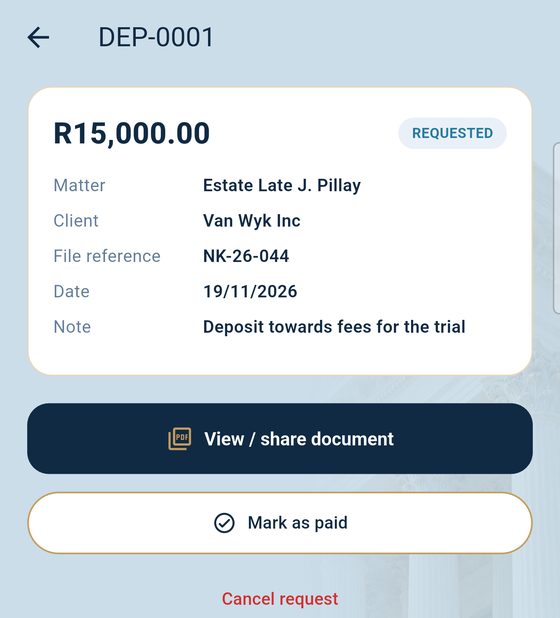
Tap Deposit in the bottom bar, or Deposit requests on a matter, then New request. Enter the amount, date and an optional note.
LexIA numbers each request (DEP-0001, DEP-0002 …) and makes a “Request for Deposit” PDF with your banking details. When the money arrives, tap Mark as paid. A deposit request is not a tax invoice.
Backups, feedback and help
- Backups: More → Backups. Choose Weekly or Monthly and LexIA reminds you on Home when one is due. Back up now makes one file of your matters, fees, invoices and deposits and opens your phone’s share sheet. The file is readable, so keep it private.
- Send feedback: More → Send feedback. Please leave out client names and confidential details.
- Help: email admin@lexia.co.za.
- AI limits: up to 20 AI analyses and 40 voice transcriptions a day during the beta. Typing and the timer have no limit.
- Your data is kept in a cloud database in London, separately for each practitioner. The LexIA app Privacy Notice explains what is processed and why.
- Leaving the beta: you can stop at any time. See how account deletion works.
Screens show fictional demo data. The beta is updated regularly, so some screens may look slightly different.